 FauxCut
Video joiner for iPhone
Join your clips. Add transitions. Done.
Join any number of clips from Photos, put a transition between each, and export at your source's own quality. All on your iPhone.
In development. Not on the App Store yet.
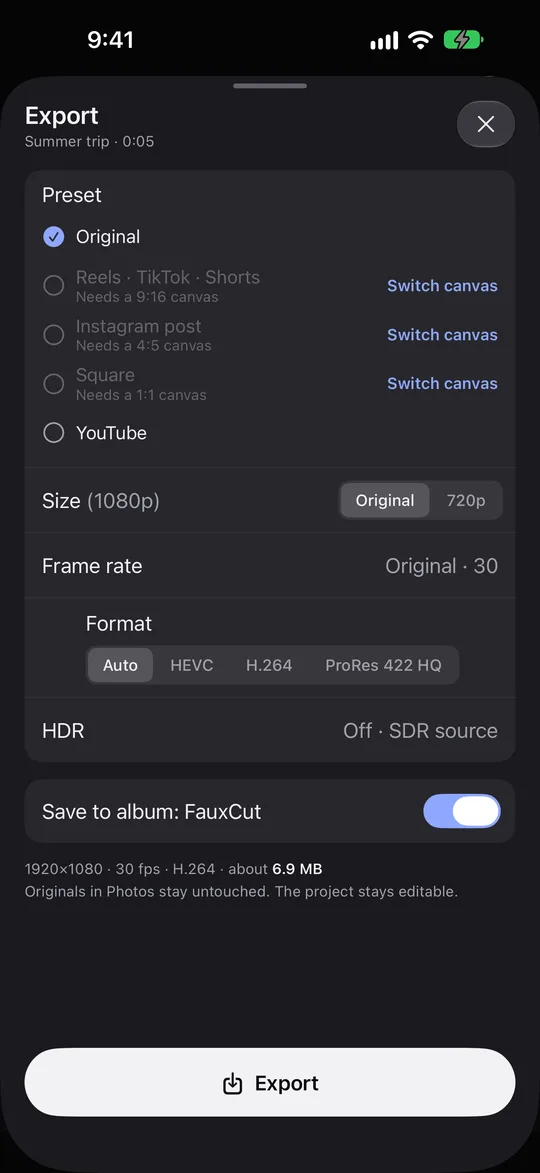
Source quality
Your export looks like your footage.
FauxCut matches the resolution, frame rate, colour and HDR of what you shot. It never upscales, never drops frames, and the bitrate never falls below your source's.
- HDR stays HDR. Convert to standard dynamic range only if you choose to.
- Only shrinks when you pick a smaller size, like a Reels or Square preset.
- Saves to Photos as a new video, to Files, or straight to the share sheet.
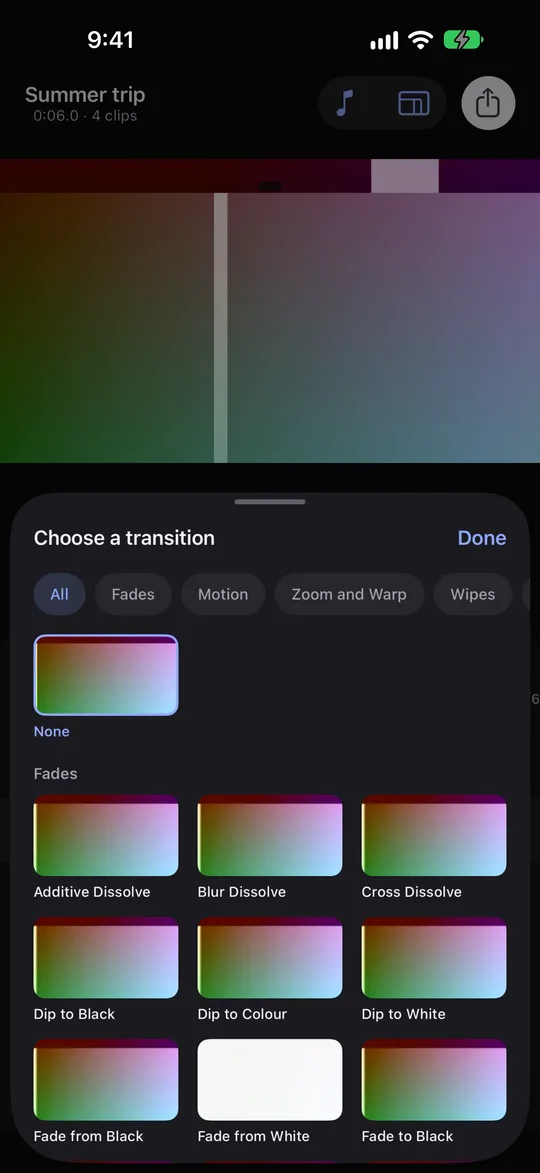
Transitions
A transition for every cut.
Every tile in the picker loops a live preview of your actual footage, so you see the cut before you choose it. Choose in one step, adjust duration, direction and settings in a second.
- Fades and dips
- Motion
- Zoom and warp
- Wipes
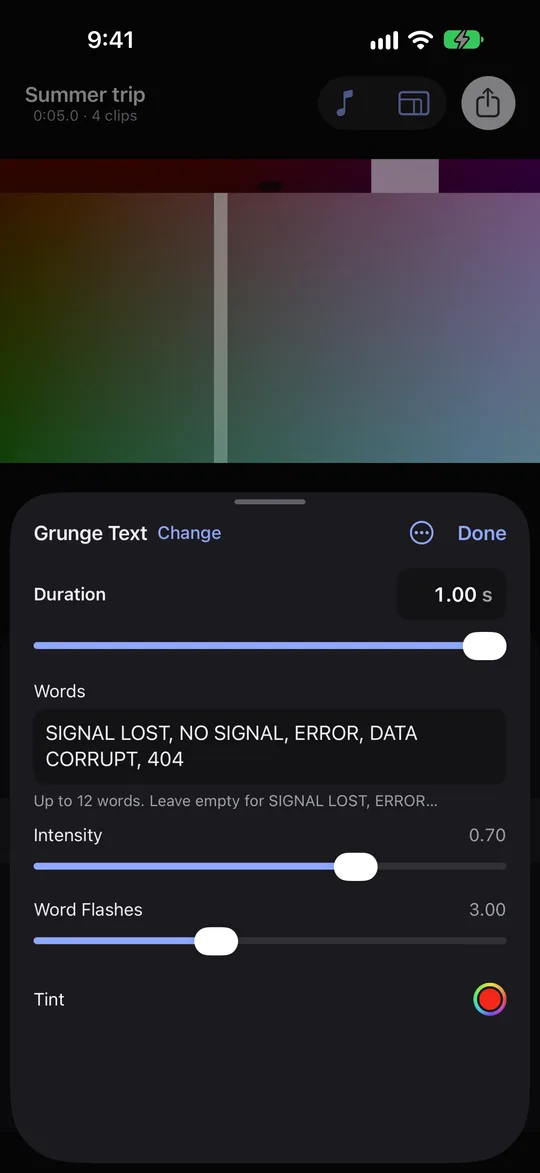
- Glitch
- Film and light
AI wand
Let the wand pick your transitions.
Tap the wand and FauxCut fills every gap between clips with a transition chosen from how each cut looks. It runs on your device, shows progress you can cancel, and one tap on Undo reverts the whole run. Transitions you set yourself are never touched.
Needs an iPhone that supports on-device intelligence. Where it isn't available, the wand simply isn't shown.
Private by design
Nothing is uploaded. Originals stay untouched.
There are no accounts and no analytics. Editing and export happen on your iPhone, and FauxCut asks for Photos or Apple Music access only when you use those features.
On device
Previews, AI suggestions and export all run locally. Your clips never leave your iPhone.
Originals never modified
FauxCut reads the clips you pick. Exports are always saved as new videos in Photos.
No data loss
If a finished video can't be saved to Photos, FauxCut keeps it in Unsaved Exports in the Files app.
Free and Pro
Free to start. Pro for source quality.
Pricing is not announced yet. Free exports never carry a FauxCut watermark.
Everything you need to join clips
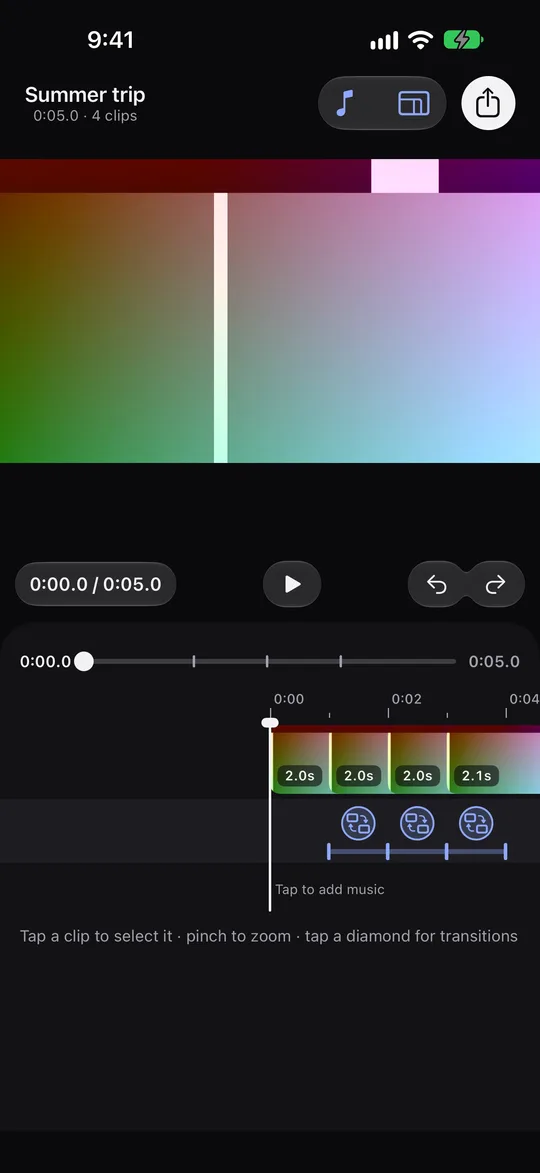
- Join any number of clips, with undo and redo
- Trim, split, reorder, crop and audio controls
- 14 transitions and 8 filters
- Export up to 1080p (the export sheet states this)
Source quality and the full catalogue
- Export at your source's quality, including 4K
- ProRes export
- All Pro transitions and filters
- Purchases are handled by Apple
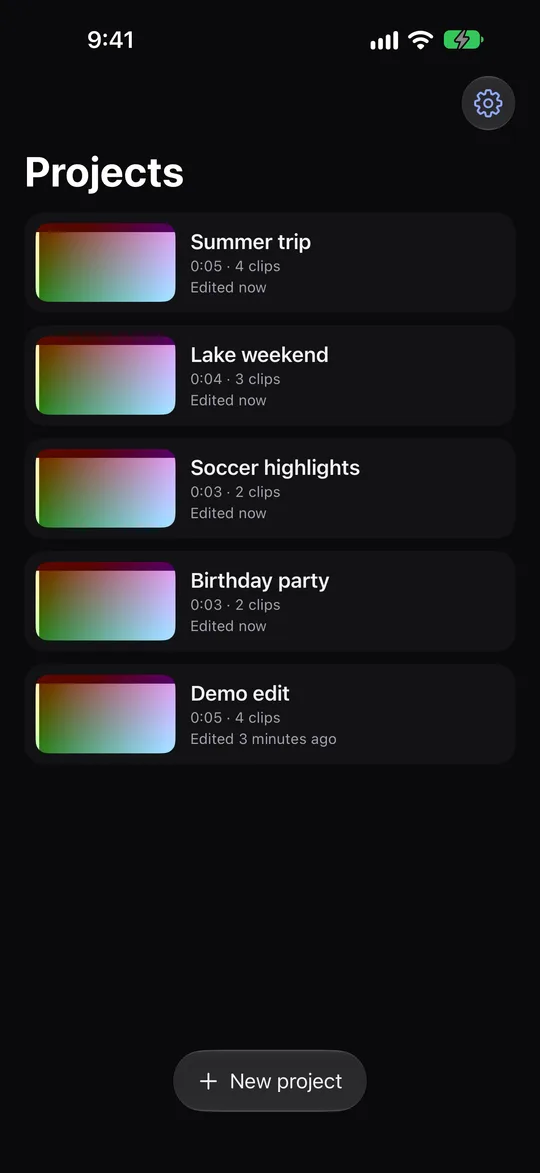
Screenshots
A look inside.
FAQ
Questions, answered.
Is FauxCut on the App Store?
Not yet. FauxCut is in development and will first be available through a TestFlight beta. Nothing here is a release announcement.
Does FauxCut upload my videos?
No. Editing, previews, AI suggestions and export all run on your iPhone. FauxCut has no accounts and no servers that receive your clips.
Will it change my originals in Photos?
Never. FauxCut only reads the clips you choose. Every export is saved as a new video, and your originals stay as they are.
What quality does it export?
The same as your source: its resolution, frame rate, colour and HDR. FauxCut never upscales. You can choose a smaller size if you want one.
What is the difference between free and Pro?
Free exports up to 1080p, and the export sheet says so. Pro unlocks export at your source's quality (including 4K and ProRes) plus the Pro transitions and filters. Free exports never carry a FauxCut watermark.
How much does Pro cost?
Pricing is not decided yet. It will be shown inside the app before you buy anything, and purchases go through Apple.
Which iPhones can run it?
FauxCut needs iOS 27 or later and runs on iPhone.
What if the export is interrupted or can't be saved?
If iOS pauses an export, FauxCut tells you and you can export again. If a finished video can't be saved to Photos, FauxCut keeps it in Unsaved Exports, which you can see in the Files app.
Can I use my own music?
Yes. You can add music from your Apple Music library or from Files. Songs protected by DRM, or stored only in iCloud, are hidden because they can't be exported.
More help on the support page.

Try FauxCut before it launches.
The TestFlight beta is how you get FauxCut first. Tell us what to fix before it is released.
Link coming soon. Requires iOS 27 and the TestFlight app.